
Learn STOCK2TRACK at your own pace
Step-by-step user manuals and 123 short video lessons, from your first bill to GST returns, stock control, payroll and your online shop.
Nothing matches that search. Try a shorter word.
User manuals
Illustrated PDF guides with screenshots. They open in your browser; you can also download and print them.
Video lessons
Each lesson is 1 to 3 minutes and shows one task on a demo shop. Click a lesson to watch it here.
Billing, purchases and stock
The everyday counter and back-office work.
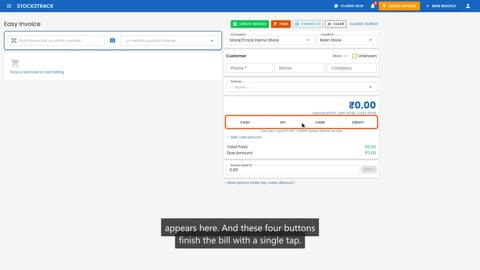 2:25Lesson 1Your First Sale — Easy InvoiceSign in, open Easy Invoice, scan, customer by phone, one-tap UPI/cash, save, print on 3-inch and A4, remove a wrong item
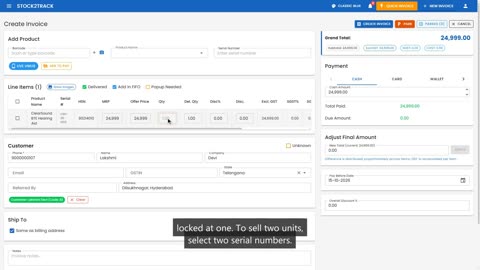 2:19Lesson 2Sales InvoiceBilling items with serial numbers, IMEI and batches
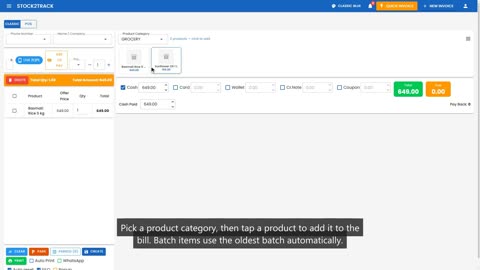 1:38Lesson 3Quick InvoiceFast counter billing: tiles, scanning, cash and change
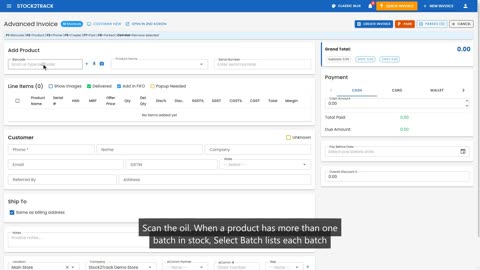 1:44Lesson 4Advanced InvoiceChoose the batch, use keyboard shortcuts, see margins
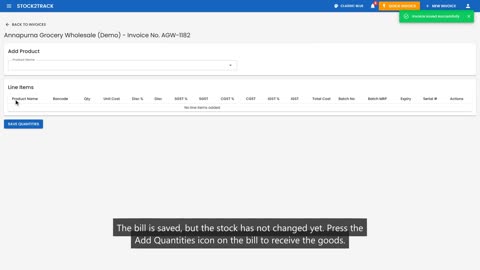 2:07Lesson 5Receive Stock: BatchesSupplier bill with batch number and MRP per batch
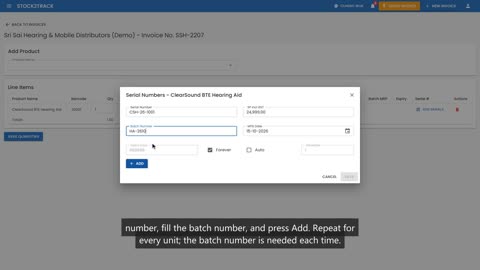 2:33Lesson 6Receive Stock: Serial NumbersHearing aids by serial number, mobiles by IMEI
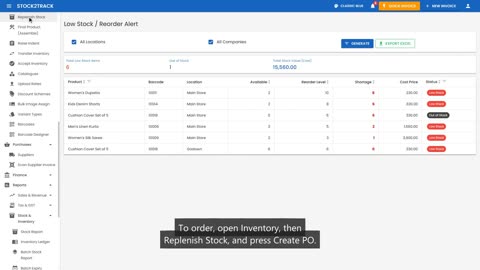 1:33Lesson 7Purchase OrdersSee what is running low and order it from the supplier
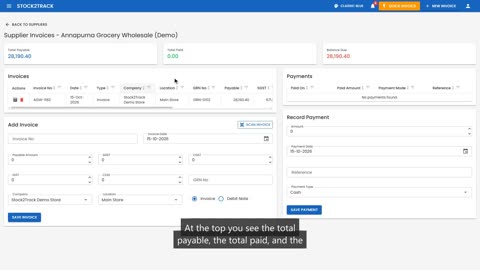 1:14Lesson 8Pay a SupplierRecord a payment and see what you still owe
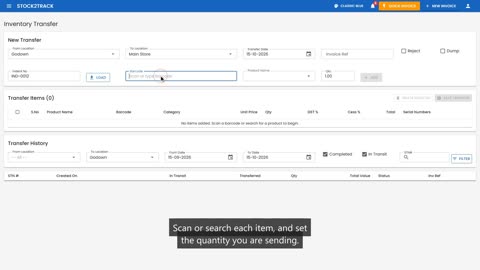 1:21Lesson 9Move StockTransfer stock from the godown to the store, then accept it
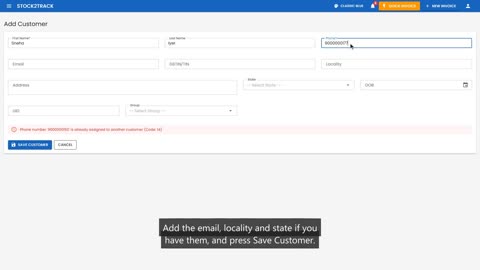 1:47Lesson 10CustomersAdd a customer, edit their details, and delete one
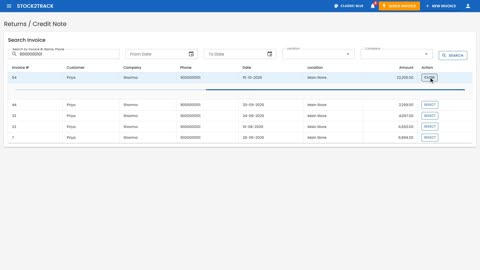 1:25Lesson 11RefundsTake back a returned item, refund the customer, and put the stock back
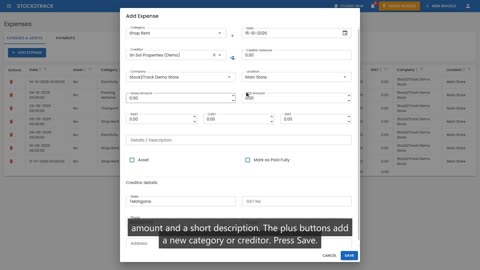 1:43Lesson 12ExpensesRecord shop expenses, correct a mistake, and pay what you owe
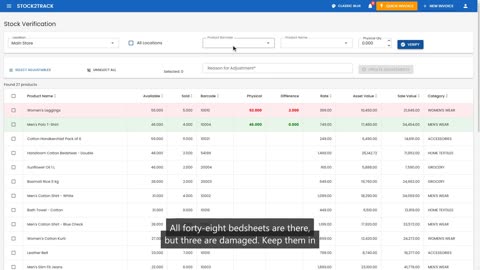 2:36Lesson 13Stock Count & ReturnsCount your stock, correct what is lost, and send damaged goods back to the supplier
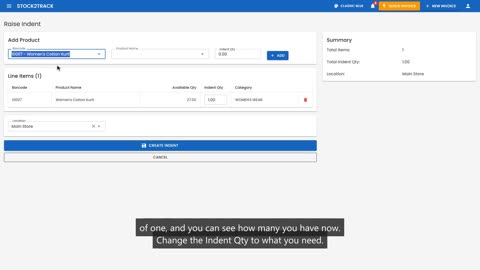 1:21Lesson 14Raise an IndentAsk the godown or another store for the stock you need
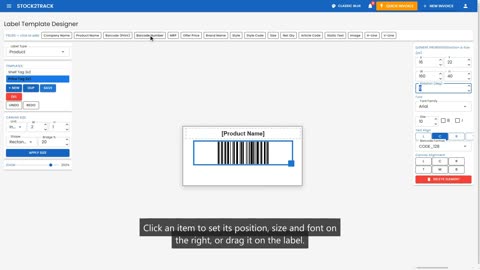 2:13Lesson 15Barcode DesignerDesign price-tag barcodes for products and shipping labels for customers
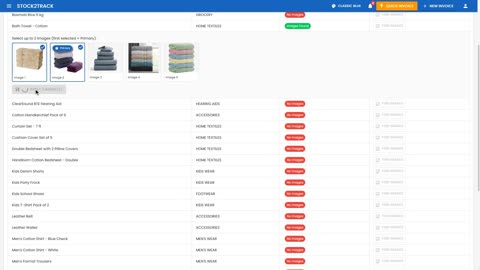 1:40Lesson 16Bulk Image AssignGive every product a picture in minutes
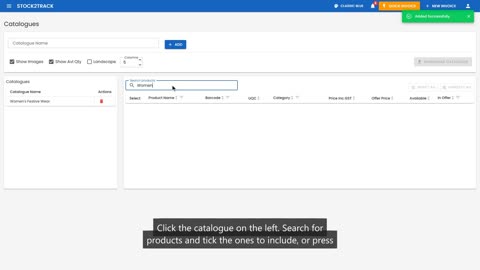 1:27Lesson 17CataloguesMake a PDF catalogue of your products to share with customers
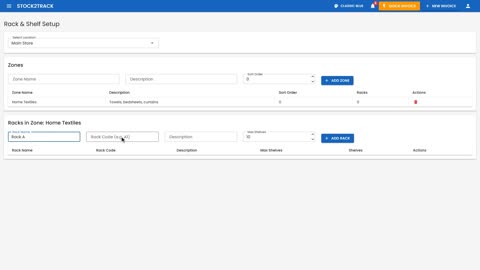 2:38Lesson 18Rack and ShelfSet up zones, racks and shelves, put stock away, and find it again
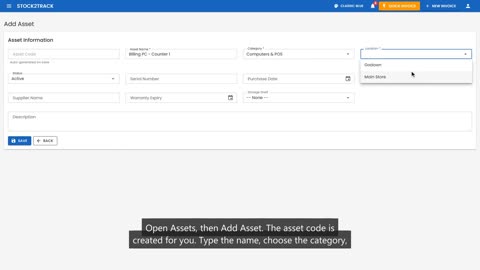 2:07Lesson 19Asset ManagementTrack your shop's own equipment: who has it, its upkeep and its value
Analytics and the AI assistant
What your numbers say, and what to do about them.
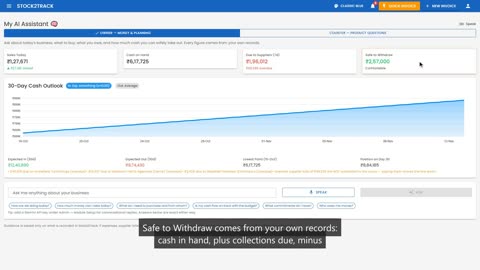 1:29Lesson 20My AI AssistantYour morning money check, and a helper at the counter
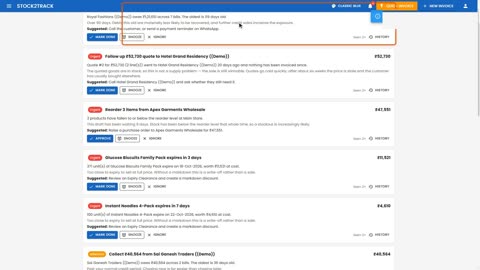 1:33Lesson 21Action QueueEvery decision you need to make today, in one list
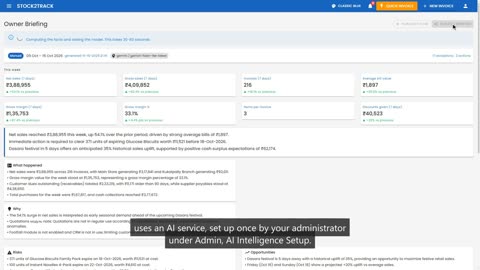 1:13Lesson 22Owner BriefingWhat happened, why, and what to do next
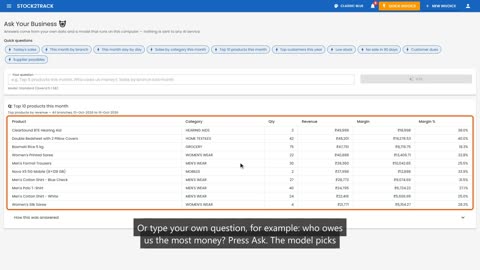 2:03Lesson 23Ask Your BusinessAsk in plain words, answered on your own computer
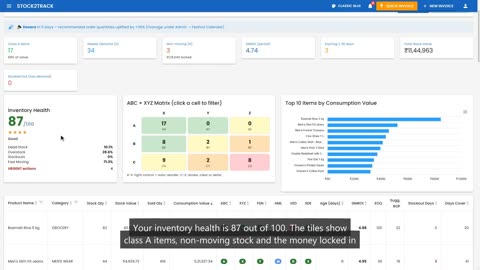 1:35Lesson 24Inventory IntelligenceGrade every product: what to buy, stop buying, or clear
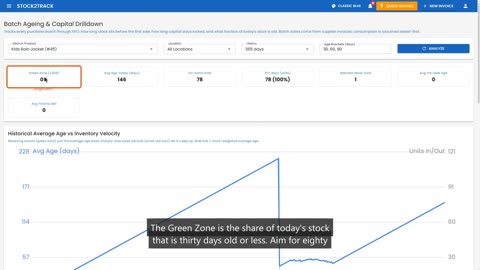 1:12Lesson 25Batch AgeingHow long each lot takes to sell, and how old your stock really is
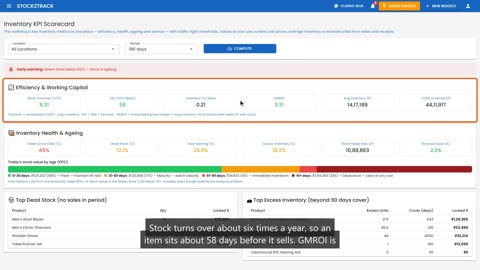 1:08Lesson 26Inventory KPIsA monthly health check of how hard your stock is working
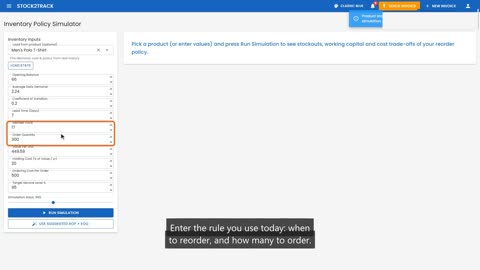 1:16Lesson 27Policy SimulatorTest a reorder rule before you use it
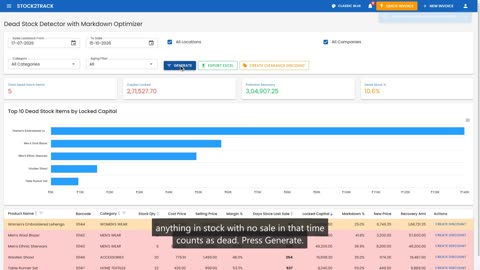 1:03Lesson 28Dead Stock DetectorFind stock that is not selling, and plan its clearance
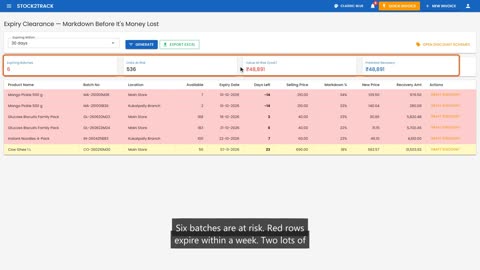 1:07Lesson 29Expiry ClearanceMark down near-expiry stock before it becomes a loss
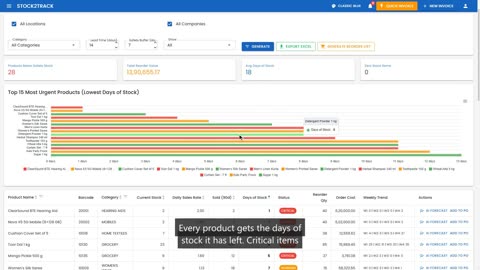 1:15Lesson 30Demand ForecastKnow what will run out, and how much to order
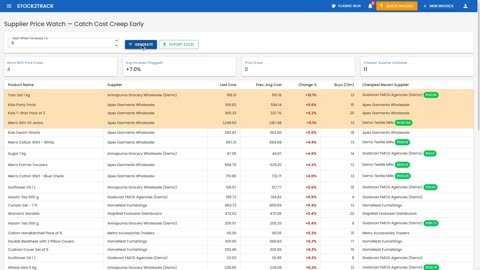 1:01Lesson 31Supplier Price WatchCatch suppliers who quietly raise their prices
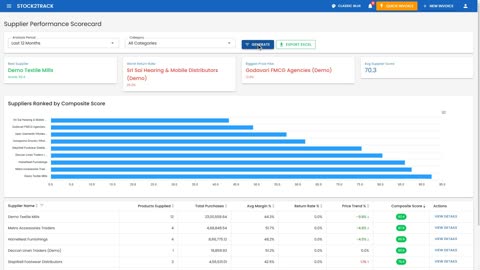 1:02Lesson 32Supplier ScorecardRank suppliers on margin, returns and price trend
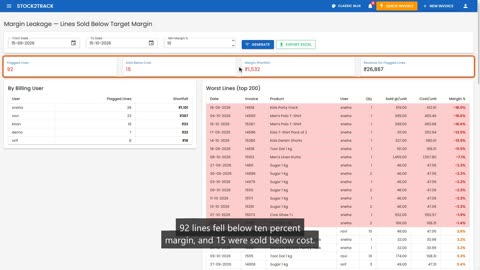 1:06Lesson 33Margin LeakageFind bills sold below your target margin, and who gave the discount
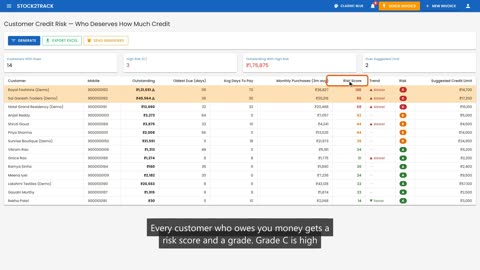 1:07Lesson 34Credit RiskWho deserves how much credit, and whom to call first
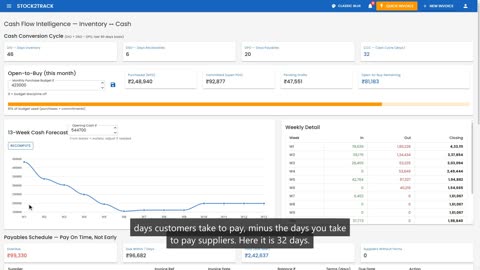 1:05Lesson 35Cash Flow IntelligenceSee cash coming in and going out, thirteen weeks ahead
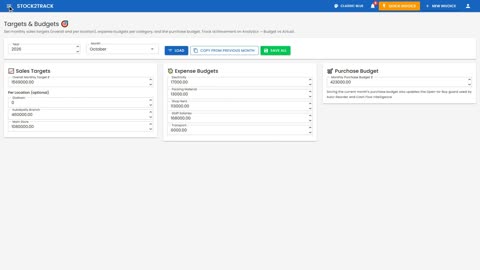 1:05Lesson 36Budget vs ActualIs this month on plan?
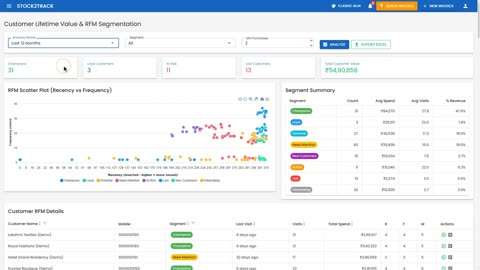 1:01Lesson 37Customer SegmentsGroup customers by how recently, how often and how much they buy
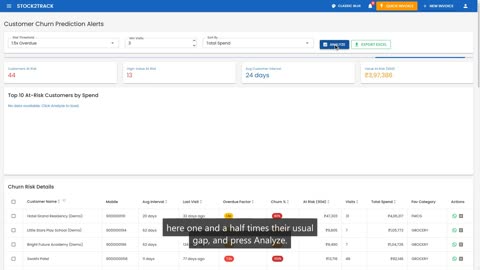 0:57Lesson 38Churn AlertsFind regulars who have stopped coming, before they are gone
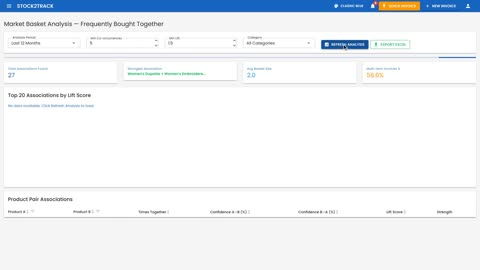 1:03Lesson 39Basket AnalysisWhich products customers buy together
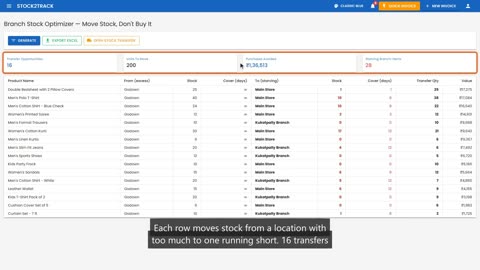 0:55Lesson 40Branch OptimizerMove stock between locations before you buy more
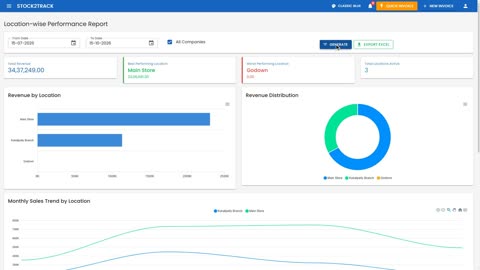 0:57Lesson 41Location PerformanceCompare your branches side by side
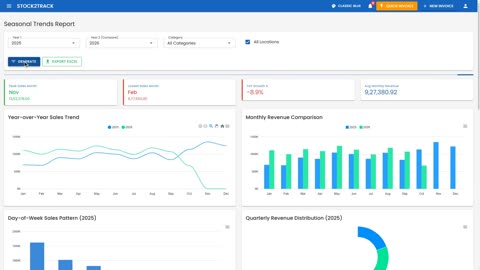 1:16Lesson 42Seasonal TrendsThis year against last year, month by month
Modules
Online orders, CRM, tasks, footfall, service jobs, restaurant, jewellery, GST, HR and payroll.
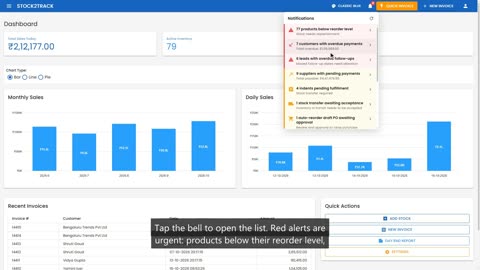 1:19Lesson 43NotificationsThe bell that tells you what needs attention
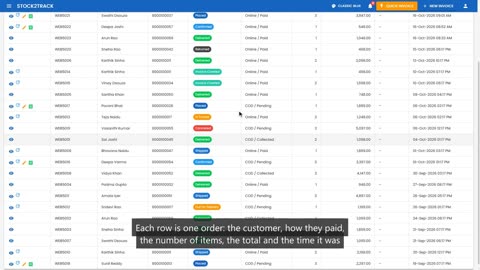 1:09Lesson 44Online OrdersEvery order from your web store, in one place
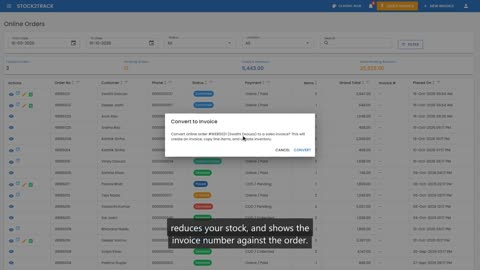 1:41Lesson 45Processing an Online OrderFrom placed to delivered
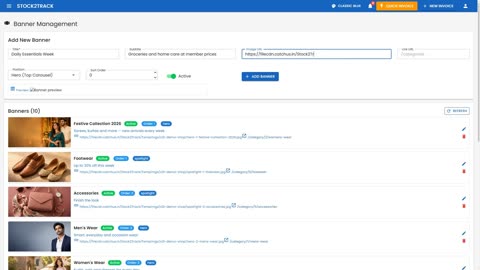 1:54Lesson 46Storefront Banners, Categories and PagesChange what customers see on your web store
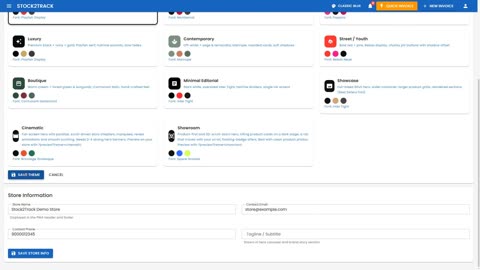 1:07Lesson 47Store Theme and MembersThe look of your store, and your member programme
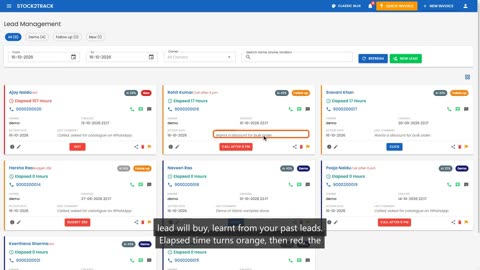 1:28Lesson 48Working Your LeadsToday's follow-ups, and updating a lead in one step
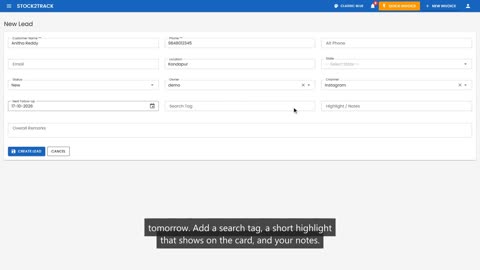 1:30Lesson 49Adding a New LeadCapture an enquiry before it walks away
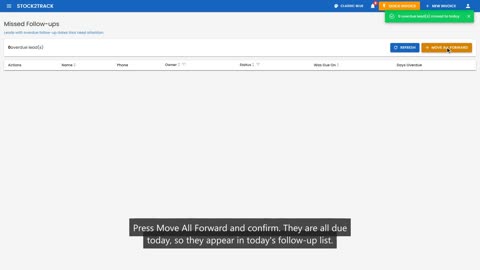 1:14Lesson 50Missed Follow-ups and Converting LeadsCatch up on overdue leads, and count your wins
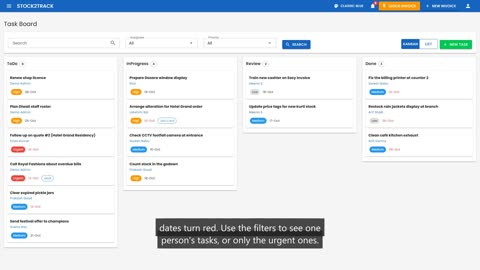 1:17Lesson 51The Task BoardEvery job in the shop, and who is doing it
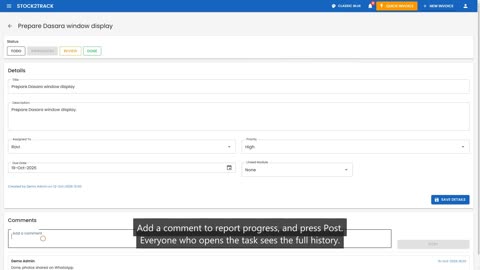 1:03Lesson 52Updating a Task and the Task DashboardComments, status, and the team at a glance
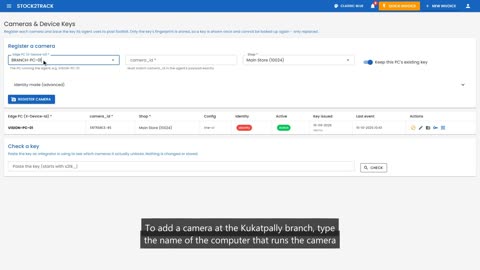 1:16Lesson 53Connecting a Footfall CameraRegister a camera and give it its key
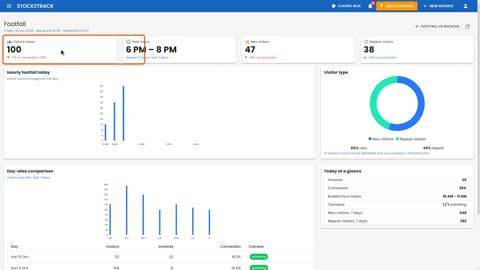 1:05Lesson 54The Footfall DashboardHow many people walked in today, and when
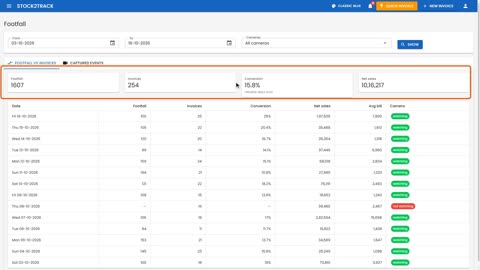 0:59Lesson 55Footfall and ConversionHow many visitors actually bought
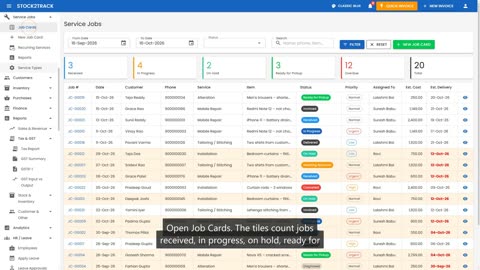 1:28Lesson 56Booking In a Service JobRepairs, alterations and fittings, from the counter
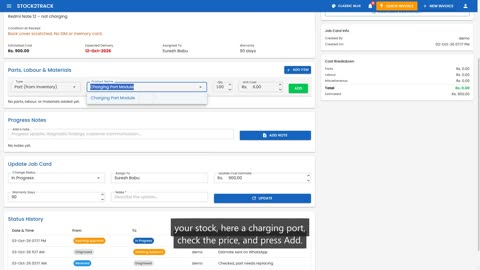 1:31Lesson 57Working on a Job CardParts, labour, notes, and the status
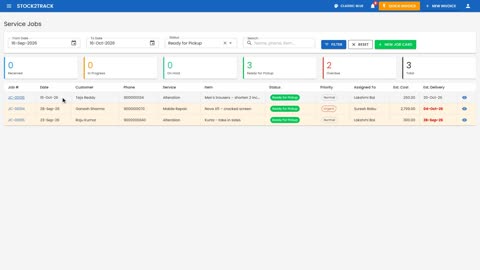 1:27Lesson 58Delivering and Invoicing a JobBill the customer straight from the job card
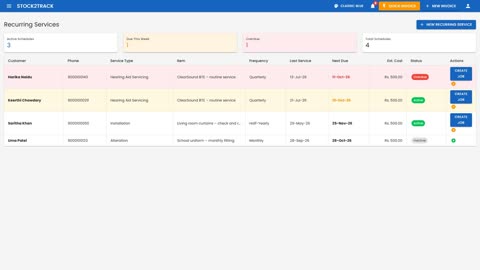 1:01Lesson 59Recurring Services and Service ReportsRegular servicing, and how your service desk is doing
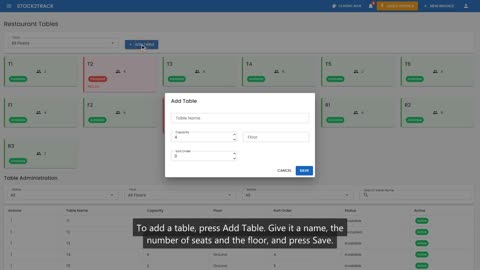 1:12Lesson 60Setting Up Your RestaurantTables, waiters and add-ons
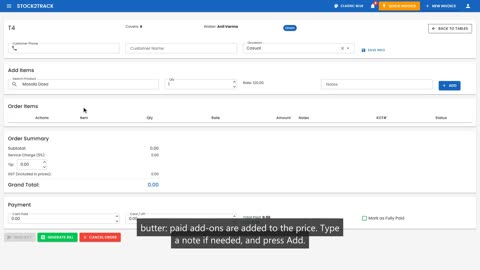 1:50Lesson 61Taking a Table OrderSeat the guests, take the order, send it to the kitchen
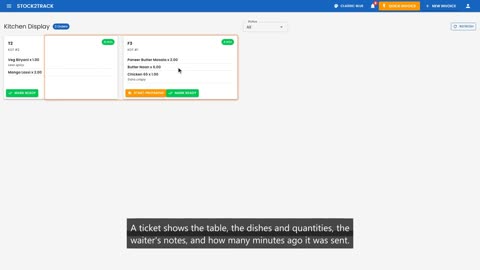 0:53Lesson 62The Kitchen DisplayWhat the kitchen should cook next
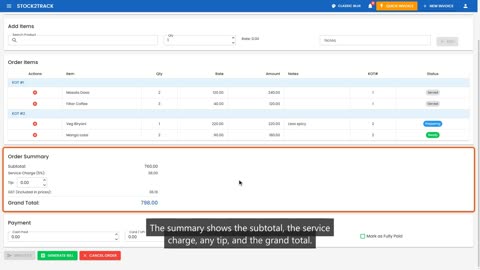 1:04Lesson 63Billing a TableFrom the last dish to a free table
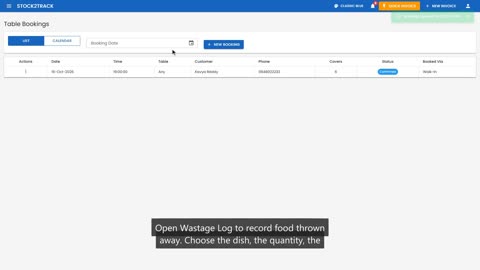 1:43Lesson 64Bookings, Wastage and Restaurant ReportsReservations, waste and how service went
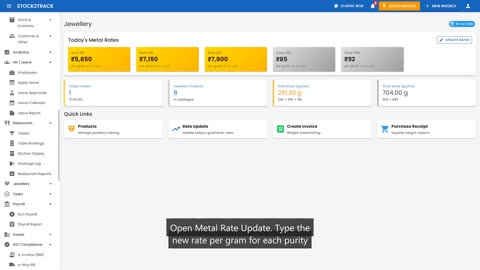 1:04Lesson 65Today's Gold and Silver RatesSet the day's rates and reprice your stock
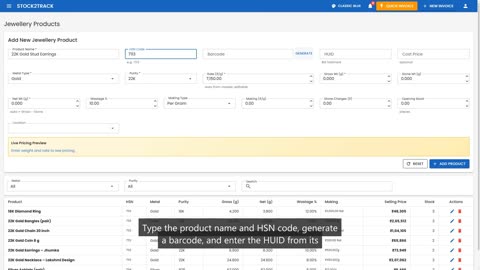 1:09Lesson 66Adding Jewellery ProductsWeight, purity, wastage and making charges
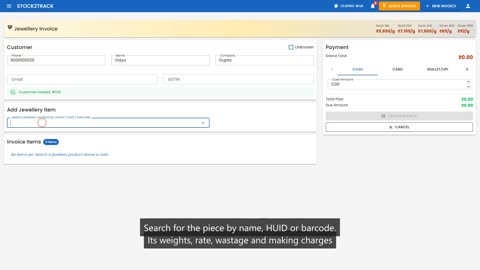 1:10Lesson 67Selling Jewellery by WeightA jewellery invoice with the full weight breakdown
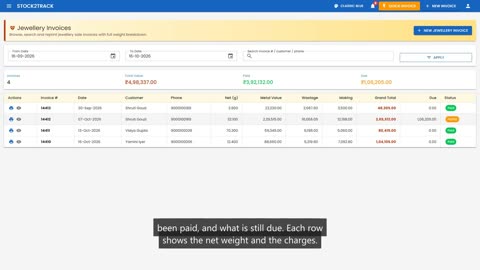 0:57Lesson 68Jewellery Invoices and PrintingFind, reprint and follow up any jewellery sale
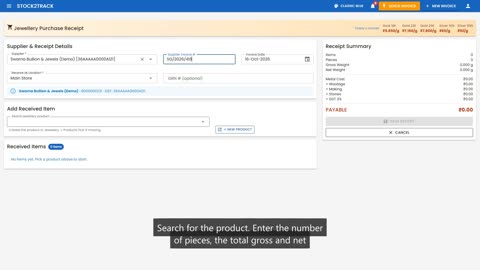 1:07Lesson 69Jewellery Purchase ReceiptReceive stock from your supplier by weight
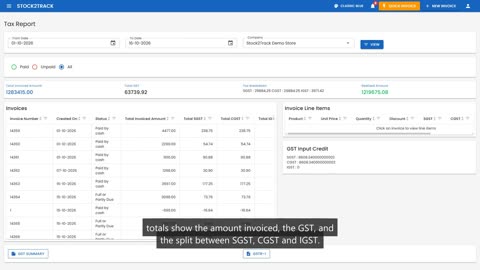 1:09Lesson 70Tax Report and GST Input vs OutputWhat you collected, what you paid, what you owe
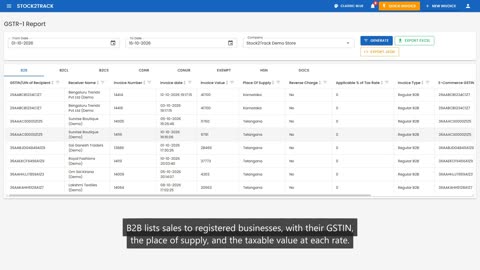 1:06Lesson 71Preparing GSTR-1Your outward supplies, ready to file
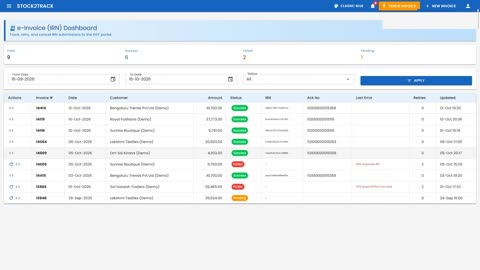 1:08Lesson 72e-Invoice and e-Way Bill DashboardsEvery IRN and e-Way Bill, and the ones that need attention
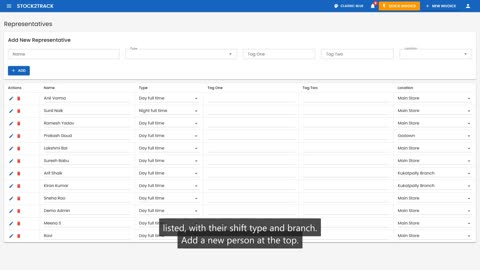 1:02Lesson 73Employee RecordsEverything about each person on your team
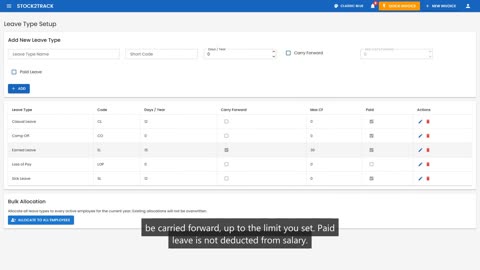 1:05Lesson 74Leave Types and HolidaysSet your leave policy once a year
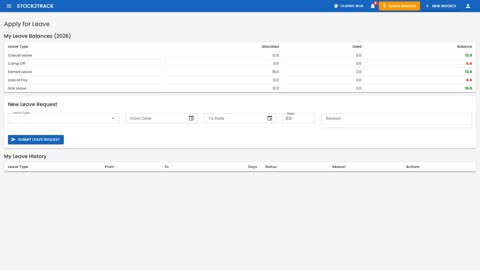 0:50Lesson 75Applying for LeaveStaff ask for leave in under a minute
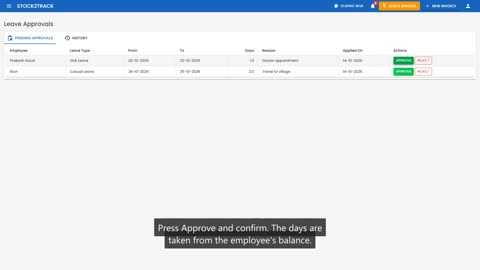 1:08Lesson 76Approving Leave, Calendar and ReportDecide on requests and see who is away
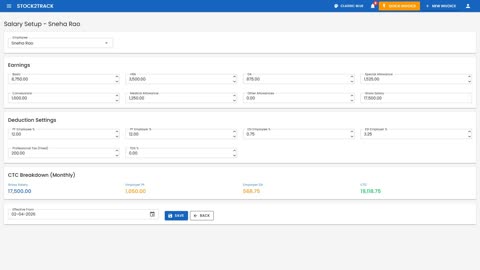 1:06Lesson 77Salary SetupEach employee's pay, and what it costs you
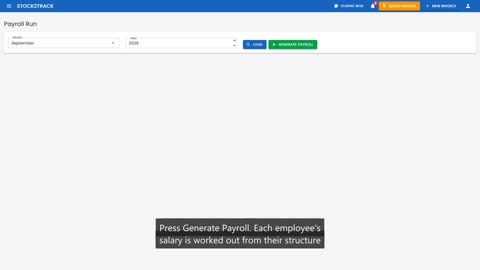 1:10Lesson 78Running the Monthly PayrollSalaries for everyone, in one step
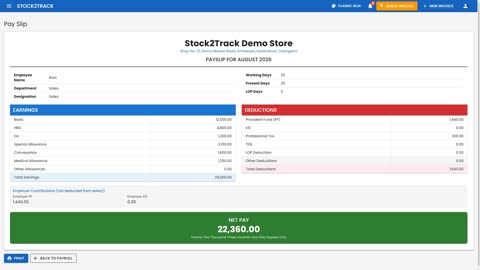 1:27Lesson 79Payslips and Payroll ReportsPayslips for staff, registers for compliance
Admin and owner controls
Who can do what, keeping bills and cash honest, and keeping data safe.
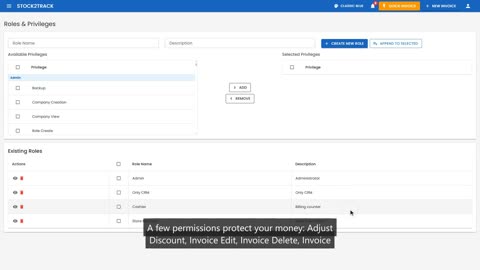 2:04Lesson 80Roles: Who Can Do WhatPermissions grouped into roles
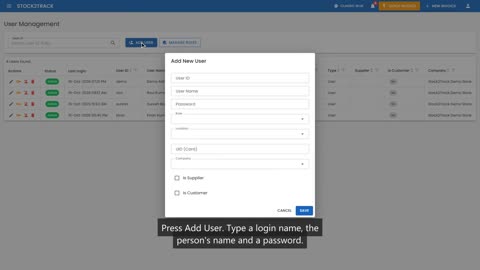 1:10Lesson 81Giving Each Person Their Own LoginOne login per person, tied to a role and a branch
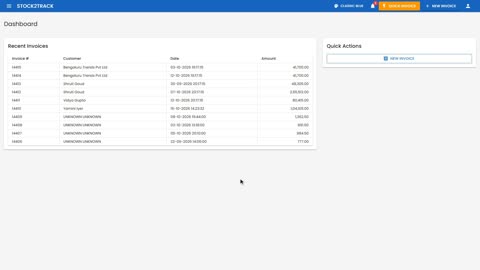 1:50Lesson 82What a Cashier SeesChecking the limits from the cashier's side
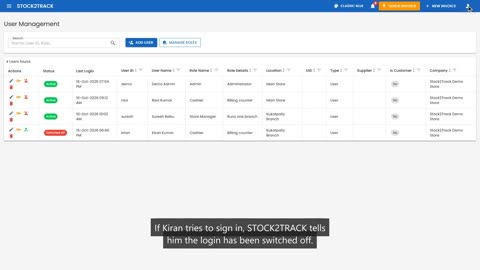 1:23Lesson 83When Someone LeavesSwitching off a login and resetting a password
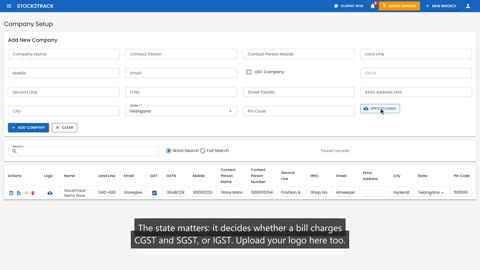 1:17Lesson 84Your Business and BranchesCompany details and locations
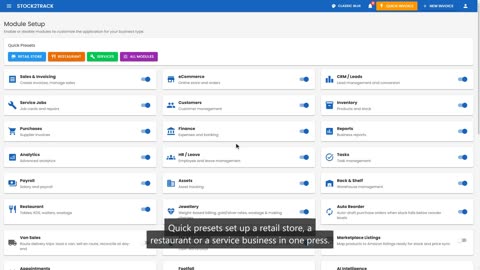 1:03Lesson 85Turning Modules On and OffShow only what your shop uses
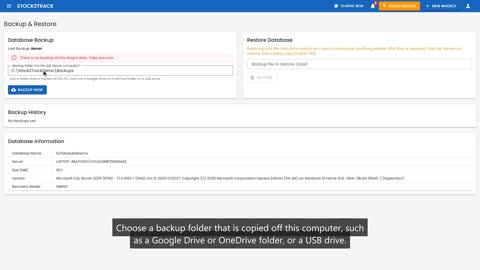 1:16Lesson 86Backup and RestoreYour data, safe even if the computer fails
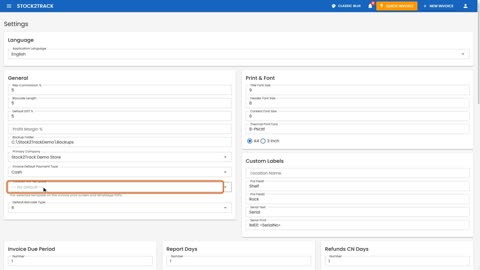 1:34Lesson 87Shop Settings and HardwareHow bills look and which devices you use
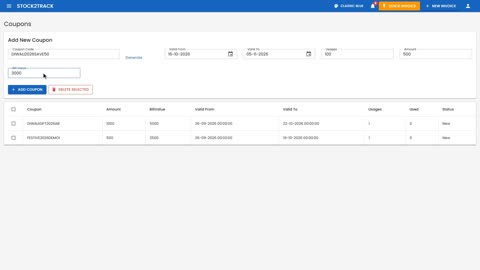 1:42Lesson 88Coupons, Sales Reps and TargetsSmall tools for growing sales
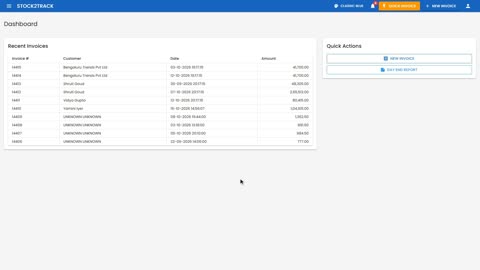 3:08Lesson 89Discount Limits at the CounterA cap on discounts, and no selling below cost
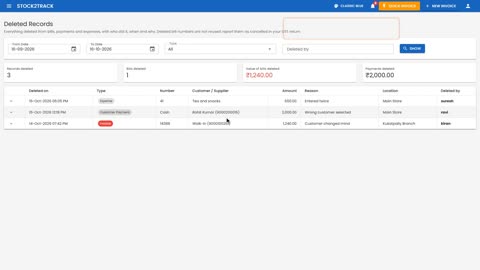
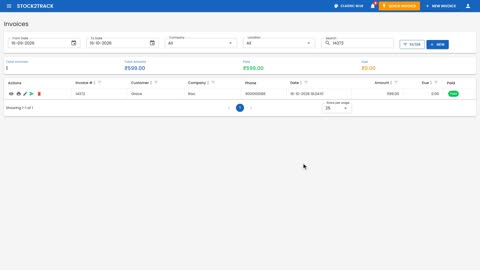 1:38Lesson 90Every Delete Leaves a TraceDeleted bills and payments, with who, when and why
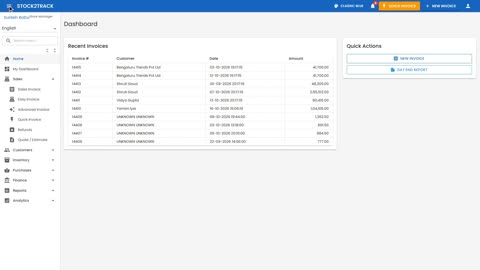 2:09Lesson 91Locking Old BillsBills that cannot be changed after the day is done
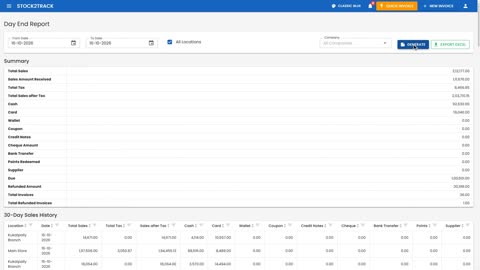 1:05Lesson 92Closing the DayThe day-end report against the cash in the drawer
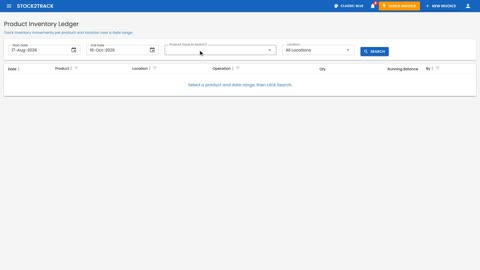 1:04Lesson 93Tracing Every Stock MovementWho moved what, and when
 1:26Lesson 94The Owner's Daily Five-Minute CheckFive screens, every evening
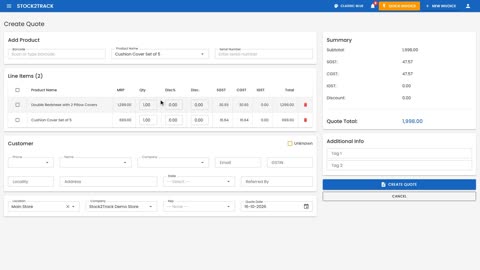 2:10Lesson 95Quotes and EstimatesA price on paper, then a bill in one press
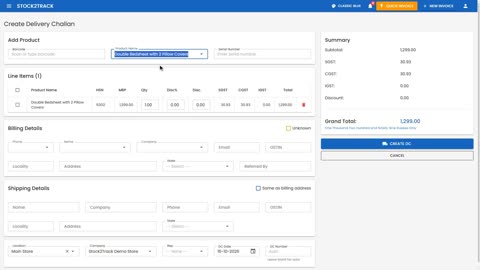 1:12Lesson 96Delivery ChallansSending goods before the bill
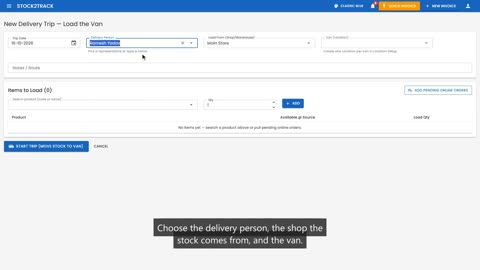 1:25Lesson 97Loading the VanVan sales, part one
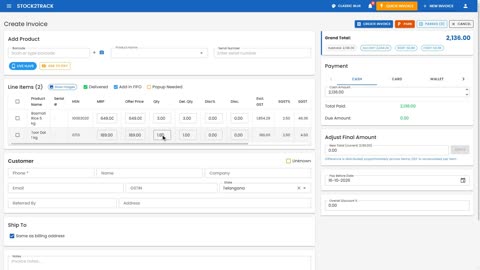 1:49Lesson 98Selling from the Van and Settling UpVan sales, part two
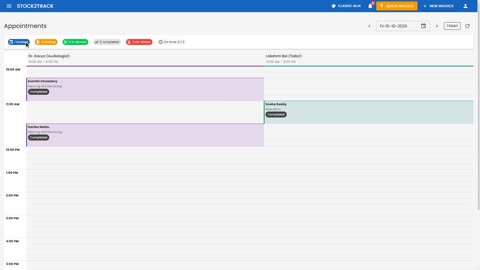 1:41Lesson 99AppointmentsA day board for staff, chairs and rooms
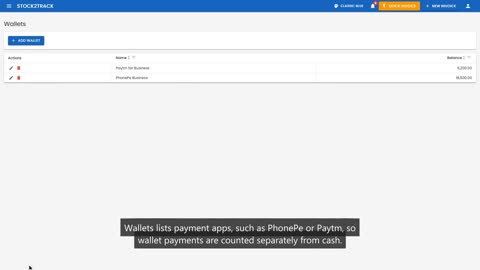 1:19Lesson 100Bank Accounts, Wallets and Customer DuesWhere the money sits, and who owes you
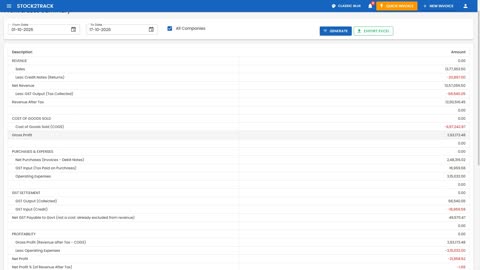 1:21Coming soonLesson 101Profit and Loss, Balance Sheet and Cash FlowHow the business is really doing
More features
Discount schemes, reordering, repacking, pricing, shelf counts, invoice design, WhatsApp, online selling, assets, sizes and colours, and Tally.
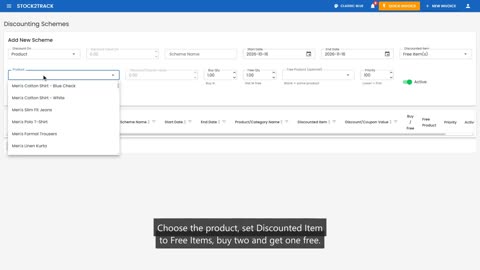 1:22Coming soonLesson 102Discount SchemesBuy two, get one free, applied by itself
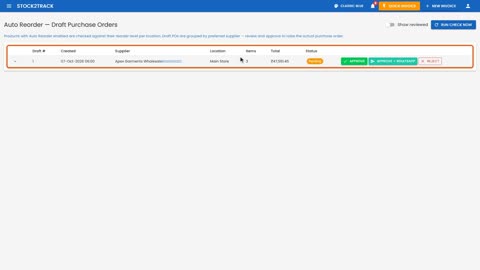 0:58Coming soonLesson 103Auto ReorderPurchase orders drafted for you
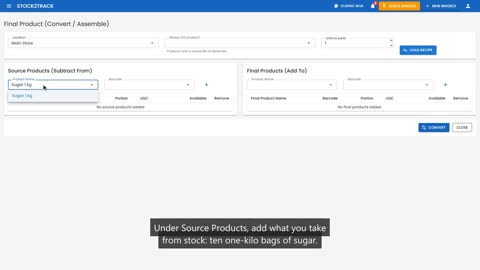 1:19Coming soonLesson 104Repacking and AssemblingTurn one product into another, with the stock right
 1:05Coming soonLesson 105Wholesale and Partner PricesDifferent prices for different buyers
 1:15Coming soonLesson 106Counting a ShelfShelf verification and audit history
 1:01Coming soonLesson 107Designing Your InvoiceThe invoice template designer
 0:50Coming soonLesson 108Renaming Invoice ColumnsYour words on your bills
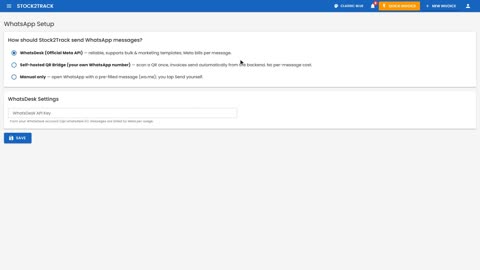 0:57Coming soonLesson 109WhatsApp SetupHow bills and messages are sent
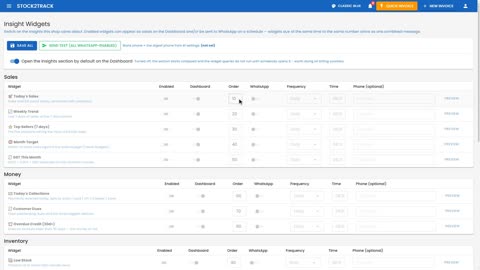 1:08Coming soonLesson 110Insight WidgetsThe numbers you want, on the dashboard and on WhatsApp
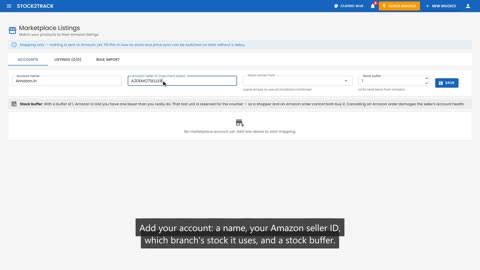 1:27Coming soonLesson 111Marketplace ListingsGetting ready to sell on Amazon
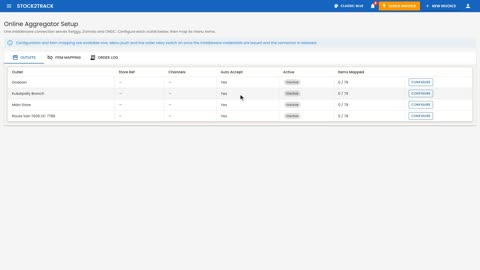 1:21Coming soonLesson 112Swiggy and Zomato SetupOnline food aggregators
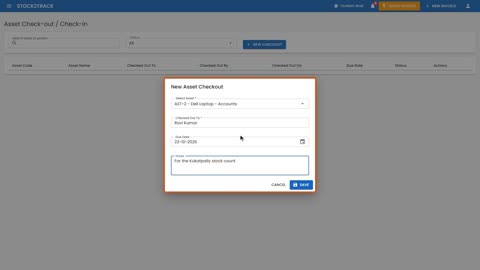 1:47Coming soonLesson 113Lending Assets and AMC ContractsWho has what, and when the service is due
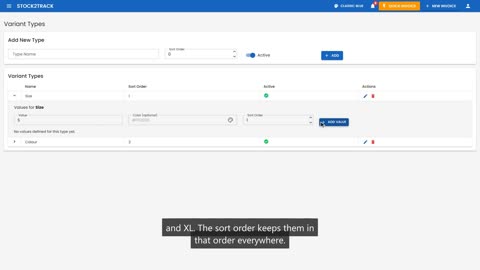 1:22Coming soonLesson 114Sizes and ColoursSet up the choices your products come in
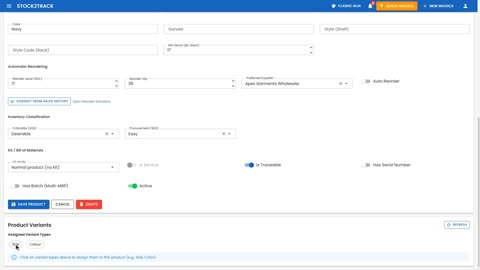 1:18Coming soonLesson 115Products in Sizes and ColoursOne product, every size and colour, with its own stock
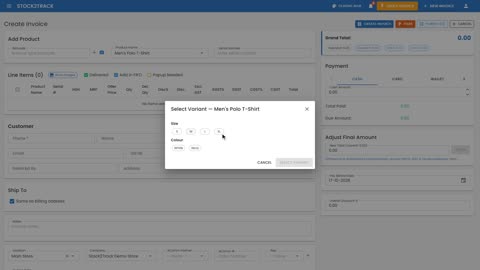 1:11Coming soonLesson 116Selling a Size and ColourThe cashier picks the size and colour on the bill
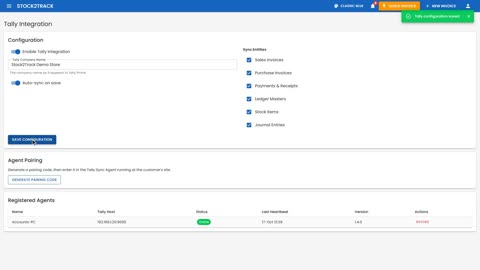 1:22Coming soonLesson 117Connecting to TallyBills and payments flow into Tally by themselves
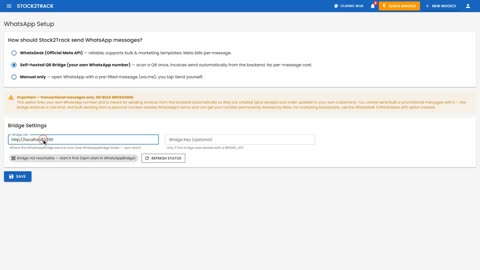 1:01Coming soonLesson 118Linking Your WhatsApp NumberSend bills from your own number, with the WhatsApp bridge
Your customers and your phone
The online shop and the member app as your customers see them, and STOCK2TRACK on an Android phone.
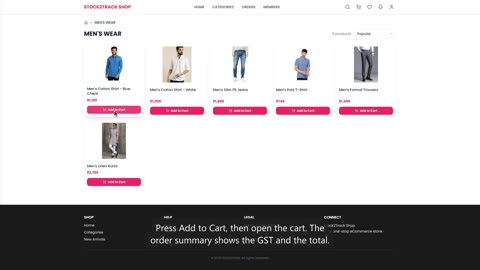 1:34Coming soonLesson 119Your Online Shop: a Customer's OrderWhat your customer sees, from the home page to the order number
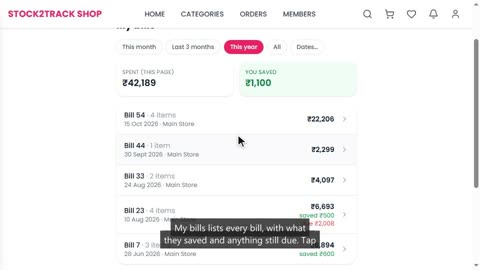 1:12Coming soonLesson 120The Member AppWhat your members see on their phone: points, savings and bills
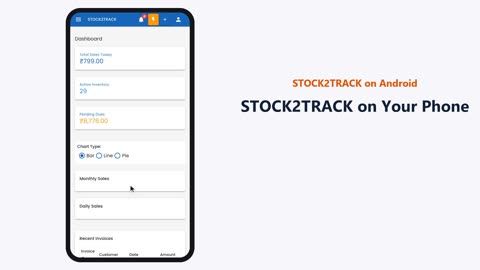 1:38Coming soonLesson 121STOCK2TRACK on Your PhoneSign in, read the dashboard, and find any page
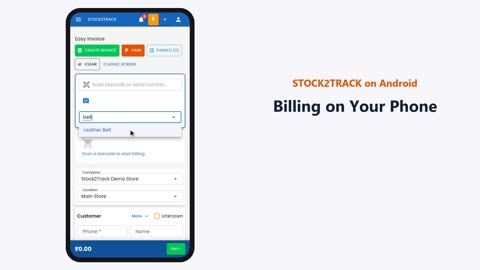 2:01Coming soonLesson 122Billing on Your PhoneA complete bill with Easy Invoice on the phone
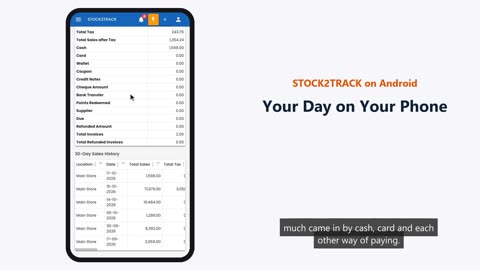 1:09Coming soonLesson 123Your Day on Your PhoneToday's sales, the day end report and low stock, from anywhere